01
Measure the collection
Define ordered source segments and destination shelves. Enter lengths in inches, centimeters, or feet, or import a validated measurement CSV with source-row traceability.
Waiting for review · iPad & iPhone
ShelfWaypoint turns measured shelf space and growth targets into a move plan that preserves the order entered by library staff, with cart instructions, checkpoints, and a final shelf reading.
Submitted for App Review. Not yet available on the App Store.
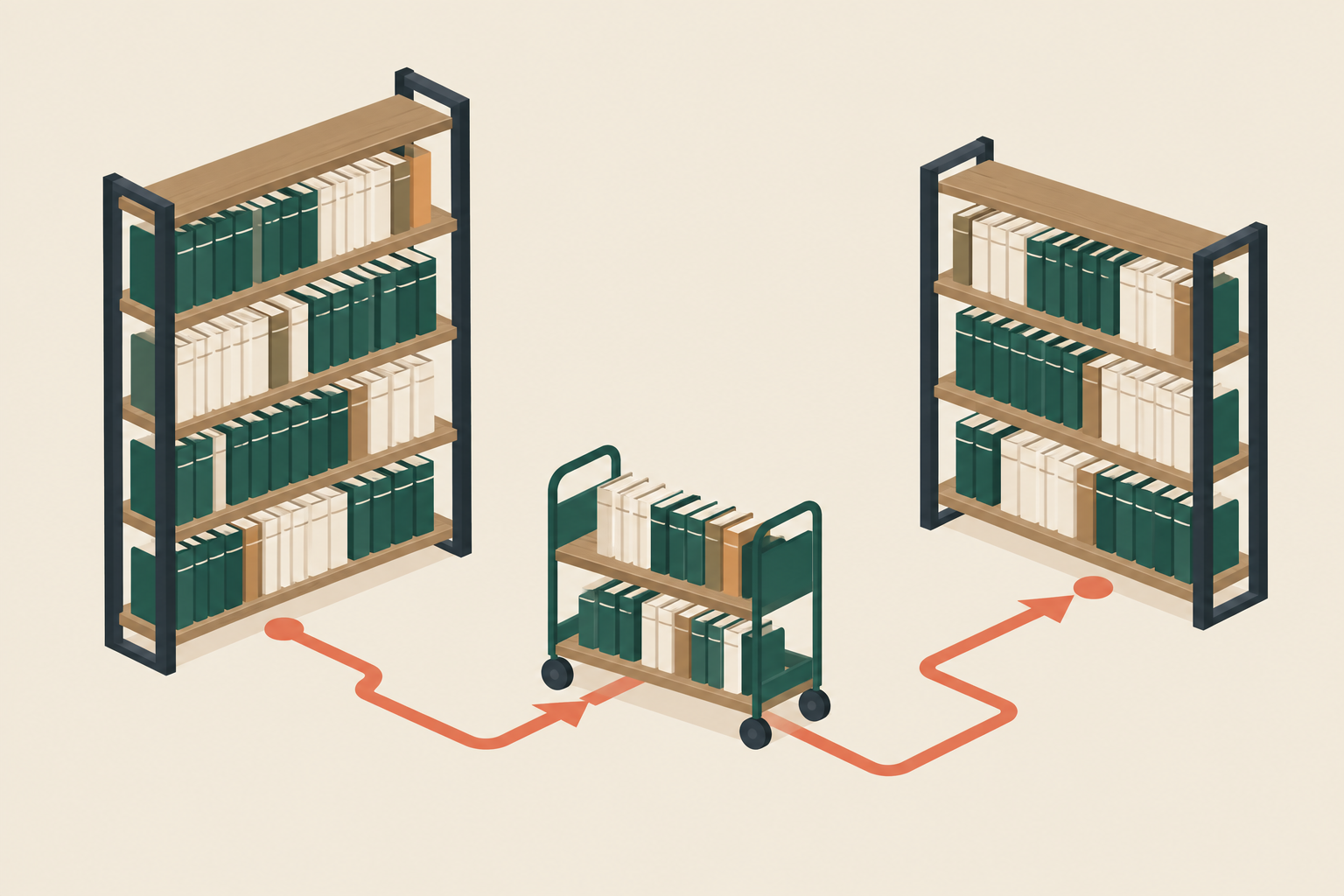
One continuous workflow
01
Define ordered source segments and destination shelves. Enter lengths in inches, centimeters, or feet, or import a validated measurement CSV with source-row traceability.
02
Choose a target fill, account for obstructions and oversize material, and compare saved scenarios. Fixed shelf starts and whole-segment rules produce an explanation when the plan cannot fit.
03
Approve a version, then follow its waves and bounded cart portions. Record observed call-number bounds, loading and unloading, and the next checkpoint to resume on the same device.
04
Record exceptions with custody and an owner. Verify or explicitly defer destination shelves, compare actual occupied space, and retain the final audit with the approved plan.
Plan and record the move locally, without a ShelfWaypoint account. Save a JSON backup to Files, restore an earlier project, and choose when to share a record. Purchasing and restoring Professional uses Apple's services.
QR checkpoints are optional. Manual confirmation works when scanning is unavailable. Projects do not automatically synchronize between devices.
Read how information is handledProfessional adds PDF move packets, cart labels, source and destination signs, restart instructions, and CSV audits. Reports use the approved version and its recorded checkpoints.
Staff define classification order and observe the actual split points. ShelfWaypoint measures linear space; it does not replace a catalog, identify every book, or assess cart weight and safe handling.
Planned launch offer
Each free project can approve up to six destination shelves and two waves. Explore the fictional Riverside demonstration, including its reports. JSON backups and restoration remain available without purchase.
One-time purchase. No subscription.
Approve larger real projects within the app's supported limits and create PDF packets, printable labels, and CSV reports. Apple displays the current localized price before purchase when the app becomes available.
Tell us about your workflow or ask a question. Start with a description; please keep patron details and restricted collection locations out of email.